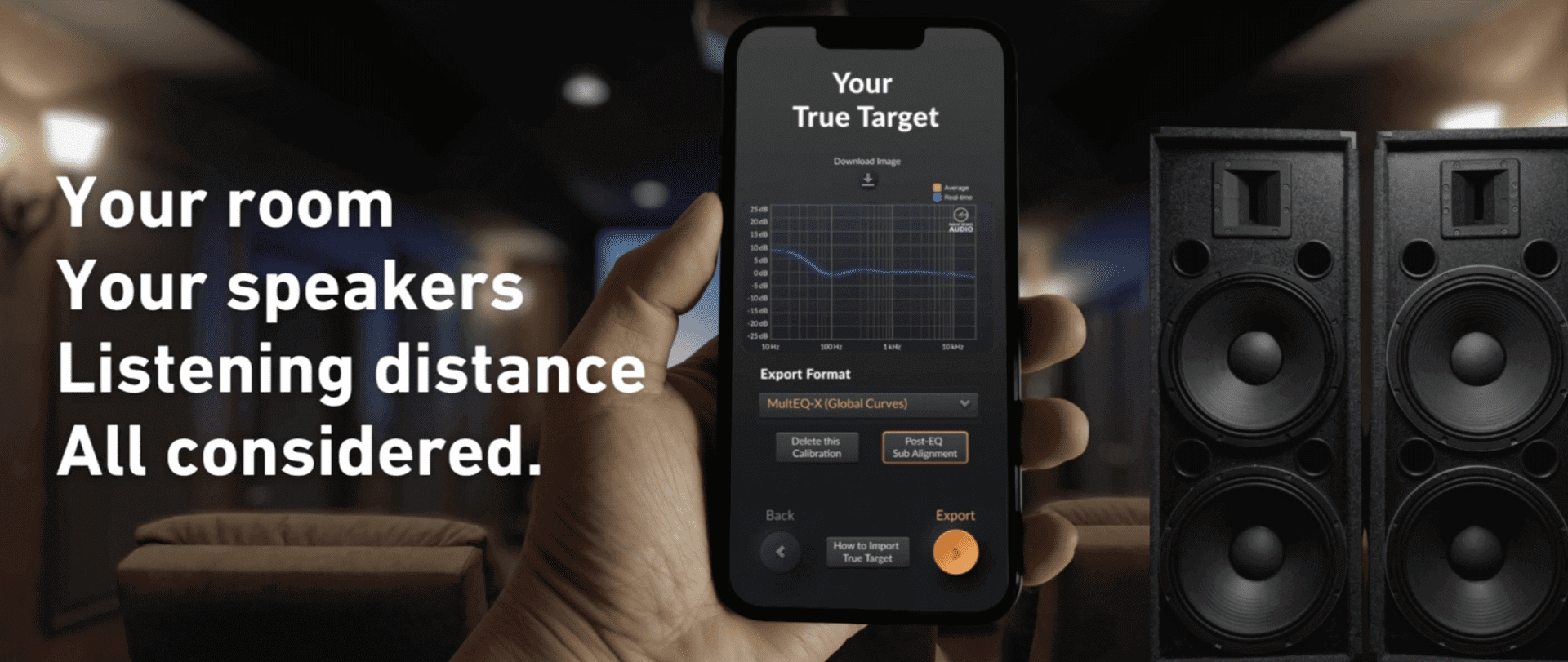
Magic Beans Room-Correction Software: Simple DSP for Cleaner Sound



Magic Beans Room-Correction Software: Simple DSP for Cleaner Sound
Optimize your loudspeaker’s in-room performance with Magic Beans DSP software using just four measurements.
The Quest for Pure Sound: Enter Magic Beans
If you’ve ever tinkered with your audio setup, you know the pursuit: squeezing out every drop of clarity, cutting down coloration, and nailing the perfect tonal balance. Your high-performance system can only go so far with speaker placement and acoustic treatments. But what if I told you there’s a way to digitally polish your sound with minimal fuss? That’s where Magic Beans, a room-correction software, steps up.
Magic Beans takes the hassle out of DSP (digital signal processing) by requiring only four measurements to craft corrective filters for your speakers. Unlike some DSP heavyweights like Audyssey or Dirac, which demand endless measurements and a PhD to configure, Magic Beans offers a streamlined approach that still packs a punch.
Magic Beans DSP software interface
What Exactly Are Magic Beans?
Magic Beans revolves around an app named True Target, available in two flavors: the standard version for $249 and the Pro for $399. Compatible across Windows, Mac OS, iOS, and Android, the app connects to Magic Beans’ server for heavy-duty calculations, so an internet connection is a must. Pro users get perks like unlimited calibrations on up to 128 channels and direct export to REW software. But if you’re rocking a 2-, 2.1-, or 2.2-channel system, the standard edition is more than enough.
To get started, you’ll need a computer or mobile device, a UMIK-1 USB microphone (around $130), and a pink-noise test file (I used one from The Sheffield A2TB Test Disc on Qobuz). The UMIK-1 mic is special because it has a unique serial number that lets you download its exact calibration file, ensuring accurate measurements.
I used a 2015 MacBook Pro running macOS Monterey paired with my MiniDSP UMIK-1 mic. True Target makes life easy by pulling your mic’s calibration file automatically once you enter your mic’s serial number. From there, you’re ready to dive into measuring your speakers.
Four Simple Measurements: Planting Your Beans
Here’s the best part: unlike other systems that make you sweat over dozens of measurements, Magic Beans only asks for four. You take one nearfield measurement for each speaker (left and right), plus one at the listening position for each side.
Nearfield means placing your mic close to the speaker, starting about 16 inches away and moving out to around 36 inches, depending on the speaker’s design. For the listening position, you move the mic in a gentle circular motion at head height and about two head-widths wide. The app even helps you find the sweet spots by showing a real-time frequency response graph as you move the mic around while pink noise plays.
The built-in RTA (real-time analyzer) is a lifesaver — you can see how your adjustments impact the frequency response instantly and compare the filtered sound to the original.
Setting Up and Exporting Your Corrective Filters
After getting your measurements, you have a couple of options. Initially, I had True Target spit out 10-band EQ settings, which I manually entered into Roon’s parametric EQ for left and right speakers. That took forever typing 20 values and wasn’t exactly fun.
Then I found the export option for Roon convolution filters. It creates a folder of WAV files containing detailed DSP data far beyond a simple 10-band EQ. All you do is zip that folder, load it into Roon’s convolution filter, and presto—your speakers are digitally corrected with minimal effort.
The convolution filters are less flexible (hardwired settings), but much more powerful. If you want to tweak by ear, the 10-band EQ export is there for you.
The Listening Experience: Harvesting Your Beans
Now, the million-dollar question: Does it sound better? For me, yes.
Take my nearfield desktop setup, built around MoFi SourcePoint 8 loudspeakers and a Velodyne DD-10 subwoofer. Being so close to the speakers, the bass felt a bit bloated below 500Hz. After applying the True Target convolution filter, the low end tightened up beautifully, and the 4kHz+ range got a nice lift that added sparkle without harshness.
One track that highlighted the magic was a recent house concert recording of the Matt Flinner trio (mandolin, guitar, acoustic bass). The bass was too thick without correction but cleaned up and more natural with the filter engaged.
Measuring my main Spatial X-2 open-baffle horn speakers was trickier. These speakers have narrow dispersion, so mic placement for nearfield measurement was critical. After some trial and error, moving the mic over a meter away gave better results. The True Target filters smoothed out a 1kHz dip and balanced midrange and bass energy. The room’s natural reflections helped fill some dips, but the DSP pushed things closer to linear perfection.
One hiccup was distortion on some tracks due to clipping from boosts in the EQ curve. Lowering Roon’s headroom by 6dB fixed it quickly, showing how DSP requires some tweaking to play nice with your system and recordings.
Testing a Third Setup: XSA Vanguard with McIntosh
My third experiment involved a nearfield desktop rig with XSA Vanguard loudspeakers, McIntosh MC502 power amplifier, Caldara 10 subwoofer, Morrison preamplifier, and iFi Zen signature DAC/streamer. The RTA revealed a midbass bump at 120Hz and a peak at 2kHz, both of which True Target gladly cut. Meanwhile, it boosted 16kHz by 3dB for clarity.
Comparing the corrected curve with the manufacturer’s frequency response showed how much the room and placement were coloring the sound. The convolution filter greatly reduced these irregularities, making music sound cleaner and more natural.
Subwoofer Leveling Made Easy
For two-channel setups with subs, Magic Beans includes a test to set subwoofer levels. With my MoFi SourcePoint 8 and Velodyne combo, the app matched my ear’s judgment perfectly. With the Spatial X-2 and JL Audio F112 subwoofers, the app’s correction let me dial back the subs slightly to better blend with mains. The Vanguard/Caldera system didn’t need sub adjustments, but it’s nice that True Target covers this.
Any Downsides?
The main limitation? Magic Beans True Target only works digitally. If your system has analog inputs and sources, the DSP filters won’t affect those signals unless you convert analog to digital first. You could use the 10-band analog EQ output for analog sources, but it won’t be as precise or effective.
So, with hybrid systems mixing analog and digital, you basically have two sound profiles—one corrected, one not. Depending on how different they sound, this could be either a blessing or an annoyance.
Final Thoughts: Why Magic Beans Matters
I’ve always steered clear of loudspeaker measurements because, frankly, they were a pain. Magic Beans True Target changed my mind. It’s quick, painless, and delivers results comparable to high-end setups like Klippel. Its ability to export to many formats and devices makes it a versatile tool for audiophiles who want a straighter sound without killing their system’s character.
DSP often gets a bad rap among traditionalists, but it’s come a long way. I remember early DSP units promising much and delivering little. Magic Beans fulfills that early promise by simplifying the process and delivering meaningful corrections.
Whether you’ve tuned your dedicated listening room to perfection or you’re juggling a multipurpose space, True Target can iron out those last sonic wrinkles that cables and gear swaps never fixed.
No, it won’t grow a beanstalk to the clouds, but Magic Beans True Target offers a practical, affordable route to cleaner, more natural sound. For serious audiophiles, that’s pure gold—no giant required.
Specs & Pricing
- Type: Room correction software for DSP loudspeaker EQ
- Inputs: Digital only
- Formats Supported: Passes through all digital audio formats
- Output: Multiple formats including 10-band EQ for analog equalizers
- Price: $249 for Standard, $399 for Pro version
FAQ
- How many measurements does Magic Beans require?
Just four: nearfield left and right, listening position left and right. - Can Magic Beans be used with analog sources?
Not directly. Analog inputs won’t benefit unless you convert to digital or use the basic 10-band EQ output, which is less effective. - Is the software compatible with all operating systems?
Yes, True Target runs on Windows, Mac OS, iOS, and Android. - Do I need internet access to use Magic Beans?
Yes, the app connects to Magic Beans’ server to process measurements. - Can Magic Beans adjust subwoofer levels?
Yes, it includes a test and adjustment routine for subwoofer integration.
If you’re inspired to show off your favorite album artwork after enhancing your sound, why not shop for beautiful album cover posters at our store? They’ll brighten your listening space and celebrate your music passion.
 | DISCOUNTGET 30% OFF*Use code on your next order:
|
* This post may contain affiliate links, meaning we earn a commission if you make a purchase through these links, at no additional cost to you.