Spotify’s New Voice Controls Revolutionize Music Playlists and Song Discovery


 See more Architeg Prints stories on Google.
Spotify’s New Voice Controls Revolutionize Music Playlists and Song Discovery
Unlock hands-free music magic with Spotify’s new voice controls that let you create playlists and learn about songs effortlessly.
Take Control of Your Music Without Lifting a Finger
Imagine chilling on your couch, not wanting to fumble through your phone just to tweak your tunes. Spotify’s latest feature, Talk to Spotify, is here to make that dream a reality. This AI-powered assistant allows Premium subscribers to command their music experience using simple voice or text prompts. It’s not just a voice search—it’s like having a chatty friend who knows your music taste inside and out.
Whether you want to create fresh playlists, queue up favorite tracks, or dig into the stories behind songs, Talk to Spotify handles it all smoothly. No more tapping through endless menus when you’re in the groove!
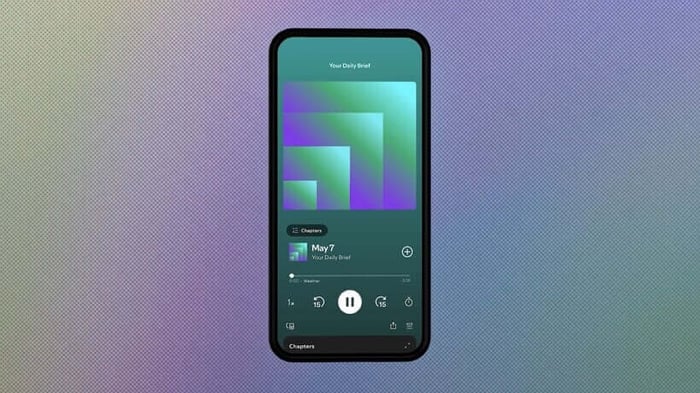
AI-driven voice commands bring a whole new vibe to your Spotify experience.
Chat Your Way to the Perfect Playlist
The beauty of Talk to Spotify lies in its conversational style. You can start with something broad like, “play some artists I haven’t heard before,” and then tweak the vibe with follow-ups like, “add some Bad Bunny” or “make it more upbeat.” It’s like having a music-savvy buddy who’s always ready to spin something new and tailor it just for you.
And the convenience doesn’t stop there. Found a killer track? Just say, “save this song,” “add it to my queue,” or “follow the artist” to keep your listening flow uninterrupted. It’s hands-free, fuss-free, and perfect for when you’re multitasking or simply soaking in the moment.
Dive Deep into Your Music and More
Spotify isn’t just stopping at playback commands. Talk to Spotify lets you become a mini music historian. Curious about when your favorite album dropped, what genre it belongs to, or the inspiration behind it? Just ask. The assistant will pull up all those juicy details and even guide you to related artists and hidden stories, deepening your connection with the music.
This clever AI isn’t limited to songs either—podcasts and audiobooks join the party. Want to remember a podcast guest’s name or know more about an audiobook’s author? The app’s got you covered without forcing you to leave what you’re listening to.
Plus, it keeps tabs on your habits, answering questions like, “When did I first listen to this song?” or “What genres have I been into lately?” It’s like your personal music diary, always ready to reminisce.
How to Get Talking with Spotify
Getting started is as easy as tapping the microphone icon in Spotify’s search bar. From there, you can either speak your requests or type them out if you prefer. This feature is rolling out in beta on both iOS and Android, currently available to Premium users aged 18 and over in the US, Ireland, and Sweden. And it’s all in English for now.
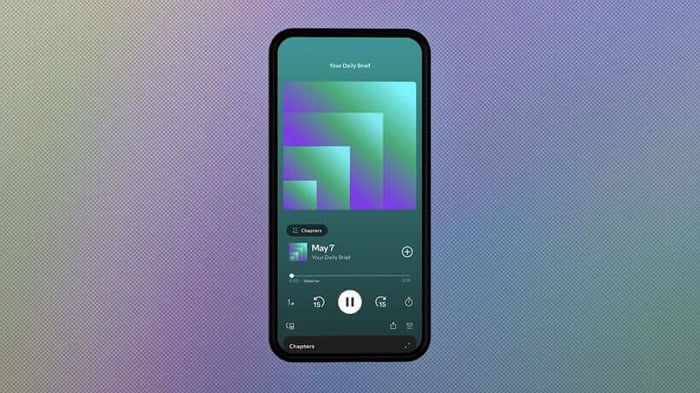
Here’s a quick peek at Talk to Spotify in action:
A New Chapter in Spotify’s AI Journey
Spotify has been quietly weaving AI into its platform for a while now, from AI-curated playlists to personalized podcast summaries. But Talk to Spotify feels like a true game-changer for everyday users. Rather than just creating content, it makes discovering and navigating your favorite music, podcasts, and audiobooks a breeze.
It’s a thoughtful step toward an intuitive, immersive listening experience that gets you closer to the content you love—no distractions, just music magic at your command.
FAQ
- How does Talk to Spotify differ from regular voice search?
Talk to Spotify acts as a conversational assistant, allowing follow-up questions and more complex commands rather than just simple voice searches. - Which users can access this voice control feature?
Currently, it’s available in beta for Premium subscribers aged 18 and over in the US, Ireland, and Sweden. - Can I use voice commands for podcasts and audiobooks?
Yes! You can inquire about podcast guests, audiobook authors, and even ask questions about your listening habits. - How do I activate Talk to Spotify?
Tap the microphone icon in the Spotify search bar and start speaking or typing your requests. - Is this feature available on all devices?
It is rolling out on iOS and Android apps for now.
If you love celebrating music through art, don’t miss out on our stunning album cover posters—perfect for bringing your favorite tunes to life on your walls. Check them out at Architeg Prints.
 | DISCOUNTGET 30% OFF*Use code on your next order:
|
* This post may contain affiliate links, meaning we earn a commission if you make a purchase through these links, at no additional cost to you.