Apple Releases New Firmware Updates for AirPods Pro 2, AirPods Pro 3, and Beats Studio Buds



Apple Releases New Firmware Updates for AirPods Pro 2, AirPods Pro 3, and Beats Studio Buds
Apple rolls out fresh firmware updates for AirPods Pro 2, AirPods Pro 3, and Beats Studio Buds, enhancing stability and performance behind the scenes.
A Quiet Upgrade for Your Favorite Wireless Buds
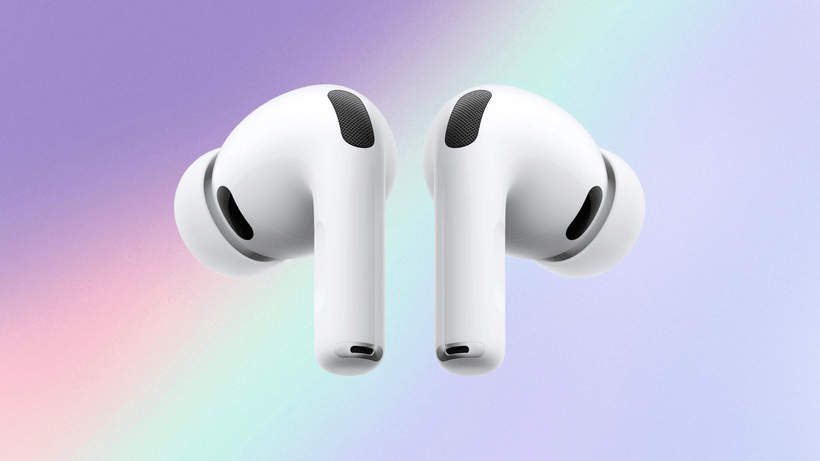
If you’ve been rocking Apple’s latest earbuds, there’s a fresh firmware update you might want to know about. Apple has quietly started rolling out new firmware versions for the AirPods lineup — specifically the AirPods Pro 3, AirPods Pro 2, and Beats Studio Buds. While these updates might not bring flashy new features, they’re essential tweaks that keep your earbuds running smoothly.
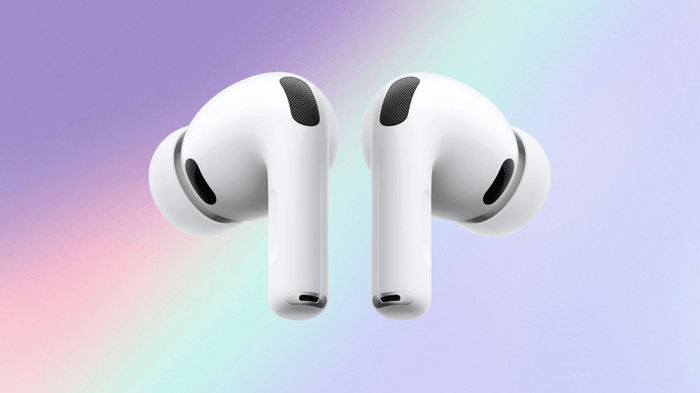
Apple’s AirPods Pro 3 looking sleek against a pastel backdrop.
What’s New in the Firmware?
Here’s the scoop: the AirPods Pro 3 update advances the firmware from version 8B40 to 8B41. Meanwhile, the AirPods Pro 2 firmware leaps from 8B39 to 8B41, aligning both models on the same build. Beats Studio Buds users aren’t left out, with their firmware upgraded from 1B204 to 1B211.
Apple hasn’t laid out a detailed changelog, which is pretty typical — these updates usually happen quietly in the background without fanfare. So, what does this mean for you? Most likely, it’s improvements under the hood such as better connection stability, subtle audio enhancements, or enhanced battery optimization.
The Update Process: Patience is a Virtue
Unlike your usual app update, you can’t just hit a button and get this firmware immediately. Instead, Apple’s method is sneakier and more automatic. To trigger the update, your AirPods need to be close to an Apple device — an iPhone, iPad, or Mac — connected via Bluetooth.
Here’s how to make sure your earbuds get the latest firmware:
- Connect your Apple device to a stable Wi-Fi network.
- Place your AirPods inside their charging case.
- Plug the charging case into power.
- Keep the charging case lid closed.
- Leave everything undisturbed for at least 30 minutes.
After this waiting period, check your firmware version in your device settings. If it hasn’t updated yet, simply repeat the process. It’s a bit like coaxing a shy cat out from under the couch — sometimes it takes a gentle nudge and some patience.
Why These Updates Matter More Than You Think
It might seem a bit dull that there are no flashy new features announced with these updates, but think of it like a pit stop during a race. These small firmware bumps ensure that all your Apple audio devices stay compatible and reliable as software and hardware continue to evolve. You might not see dramatic changes, but you’ll likely feel your AirPods being a little more seamless in their daily performance.
Wrapping It Up: Silent but Significant
So next time you find your AirPods working effortlessly, remember there’s probably a little firmware magic behind the scenes. Apple’s consistent commitment to these updates ensures your earbuds keep up with the demands of everyday life — whether it’s jamming to your favorite tunes or powering through a Zoom call.
“Most changes happen under the hood. That means users are unlikely to notice new functionality immediately.” — Apple Firmware Update Insight
FAQ
- How do I check my AirPods firmware version?
Go to your iPhone’s Settings > Bluetooth, tap the “i” icon next to your AirPods, and scroll down to see the firmware version. - Can I force the firmware update manually?
No, Apple’s firmware updates install automatically when your AirPods are connected and charging near an Apple device with Wi-Fi. - Will the update improve battery life?
While not guaranteed, these updates often include minor tweaks that can enhance battery performance and efficiency. - Are these updates available worldwide?
Yes, firmware updates roll out globally and automatically, as long as your device meets the connection criteria. - What if my AirPods don’t update after several attempts?
Try restarting your device, ensuring a good Wi-Fi connection, and repeat the update steps. If problems persist, contacting Apple Support is a good next step.
Treat your ears right and keep your AirPods in top shape. Want to celebrate your favorite tunes with some stylish decor? Shop for your favorite album cover poster at our store — the perfect way to bring music into your space. Shop now.
 | DISCOUNTGET 30% OFF*Use code on your next order:
|
* This post may contain affiliate links, meaning we earn a commission if you make a purchase through these links, at no additional cost to you.