Huawei FreeClip 2 Review: Unique Design with a Star Factor



Huawei FreeClip 2 Review: Unique Design with a Star Factor
Experience the distinctive Huawei FreeClip 2 earbuds, blending style, comfort, and solid features in an open-ear design.
Introducing the Huawei FreeClip 2: A Bold Step in Earbud Design
The Huawei FreeClip 2 earbuds are making waves in the world of earbuds with a design and concept that truly stands out. As the second iteration of the FreeClip series, these earbuds come packed with intriguing features and fresh color options that catch the eye. Unlike your typical earbuds, these clip onto your earlobe by the tension between the rear hook and the part positioned in your ear canal. It’s a design that’s clever but comes with a few quirks.
Huawei has trimmed down the weight, added new functionalities, and boosted battery life compared to the original FreeClip. At a price point of about $300, it’s worth diving into what you’re getting sound-wise and feature-wise.
Huawei FreeClip 2 at a Glance
- Dynamic dual-diaphragm drivers, 10.8 mm in size
- Airy C-bridge construction
- Customizable equalizer
- Touch controls
- Adaptive sound and spatial audio
- Each earbud weighs just 5.1 grams
- Compact charging case
- IP57-rated water and dust resistance
- L2HC audio codec support
- Dual-device Bluetooth connection
- 9 hours of playback on a single charge (earbuds only)
Huawei FreeClip 2 Specs Breakdown
| Feature | Details |
| Color Options | Sand Gold, Titanium Grey, Graphite Black |
| Audio | Bluetooth 5.4: HFP / A2DP / AVRCP |
| Bluetooth Codec | AAC / SBC / L2HC |
| Noise Cancellation | None |
| Connectivity | Multi-point Bluetooth for two devices |
| Battery Life | 9 hours earbuds-only, 45 hours with charging case |
| Charging Case | Wireless charging + USB-C cable |
| Protection Rating | IP57 earbuds |
Pairing Up and the App Experience
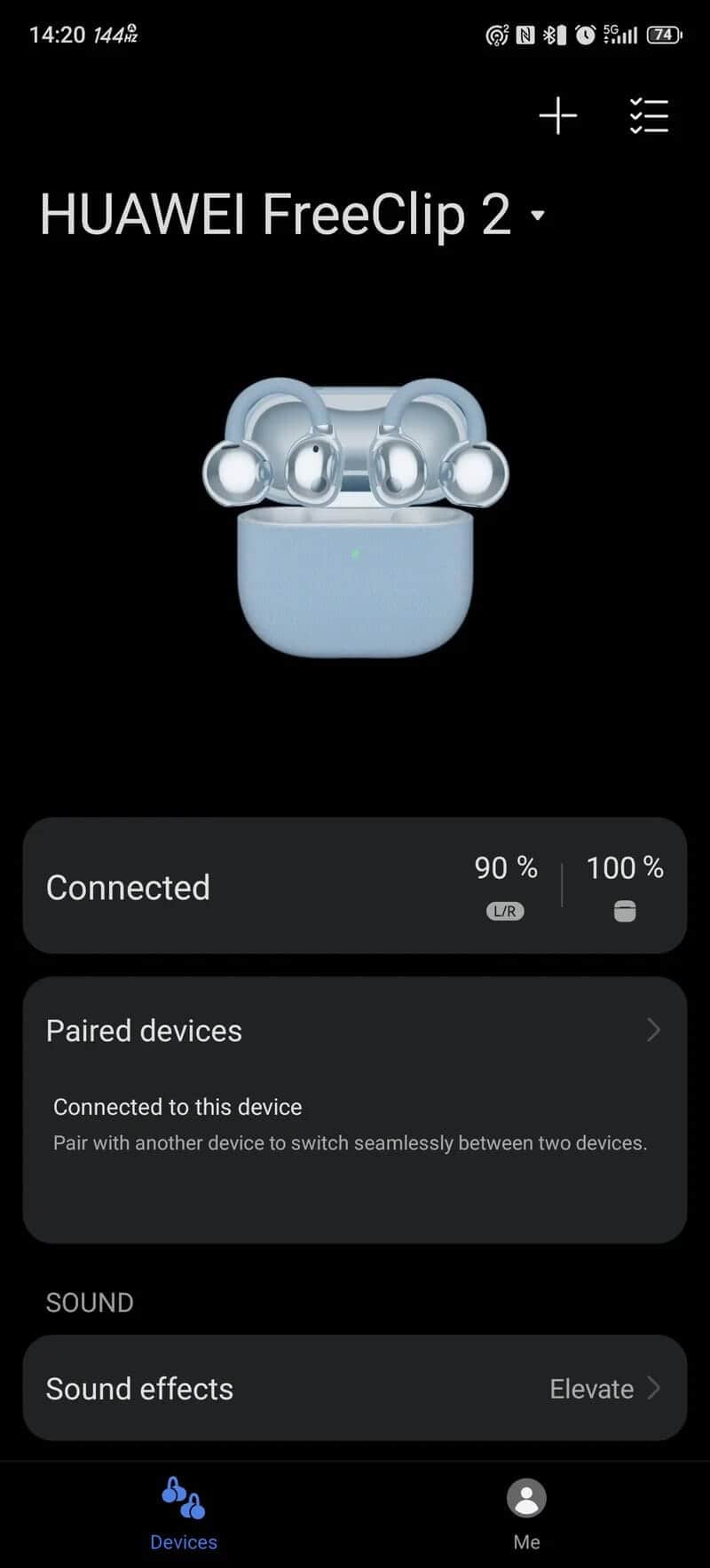
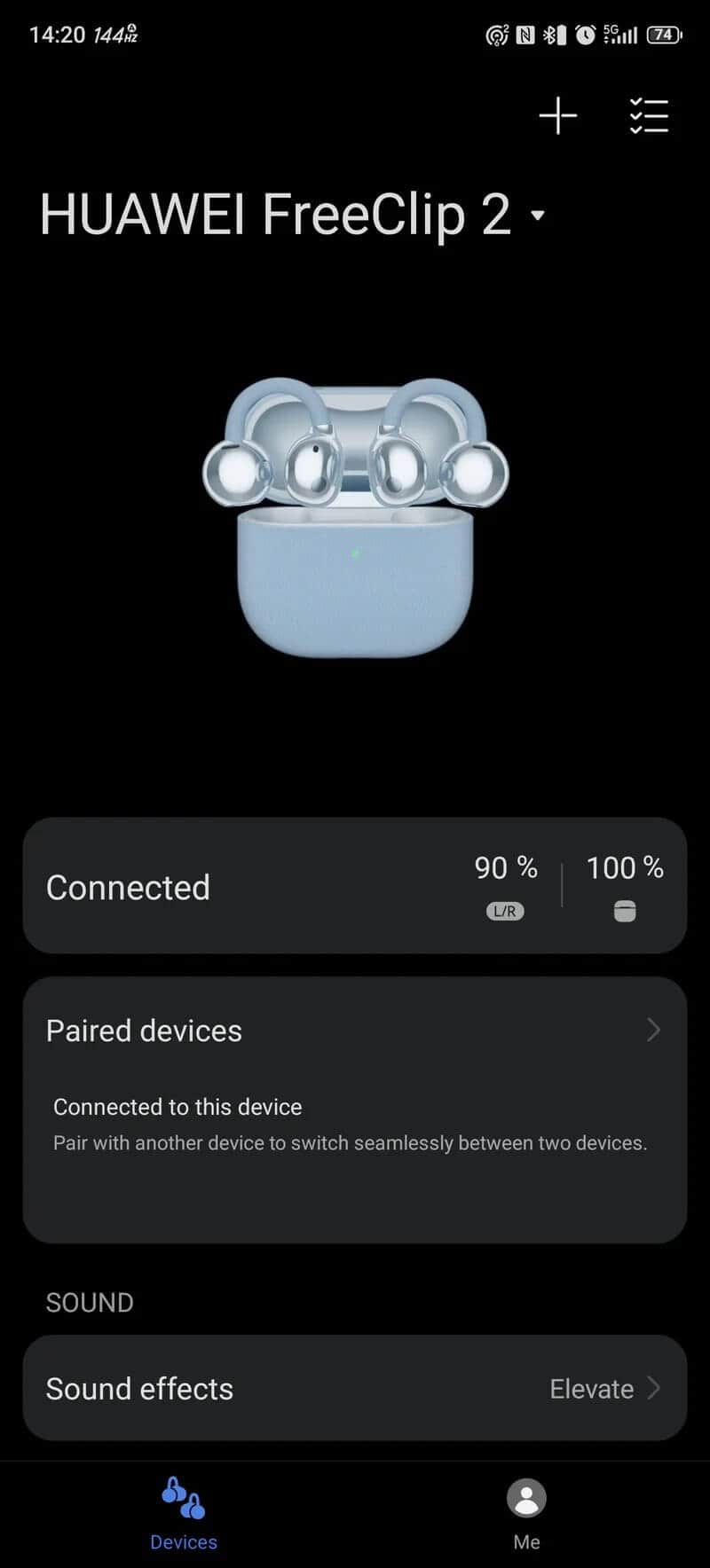
Pairing the FreeClip 2 earbuds is straightforward: either manually scan or simply open the charging case to trigger the pairing screen. For the best experience, you’ll want to use the Huawei Audio Connect app. It unlocks all features like the 10-band equalizer and spatial audio support. They’re compatible with both Android and iOS devices.
When first connected, the app walks you through helpful tutorials covering gesture controls, automatic volume adjustment, and spatial sound features. This introduction is essential because the gesture controls are a bit different due to the silicone cable linking the two earbuds—a detail we’ll explore shortly.
Once paired, you can check battery levels for each earbud and the case, tweak sound presets, enable adaptive volume, and more. Now, it’s time to slip them in and see how they fit.
Design & Comfort: Like Alien Tech Meets Jewelry
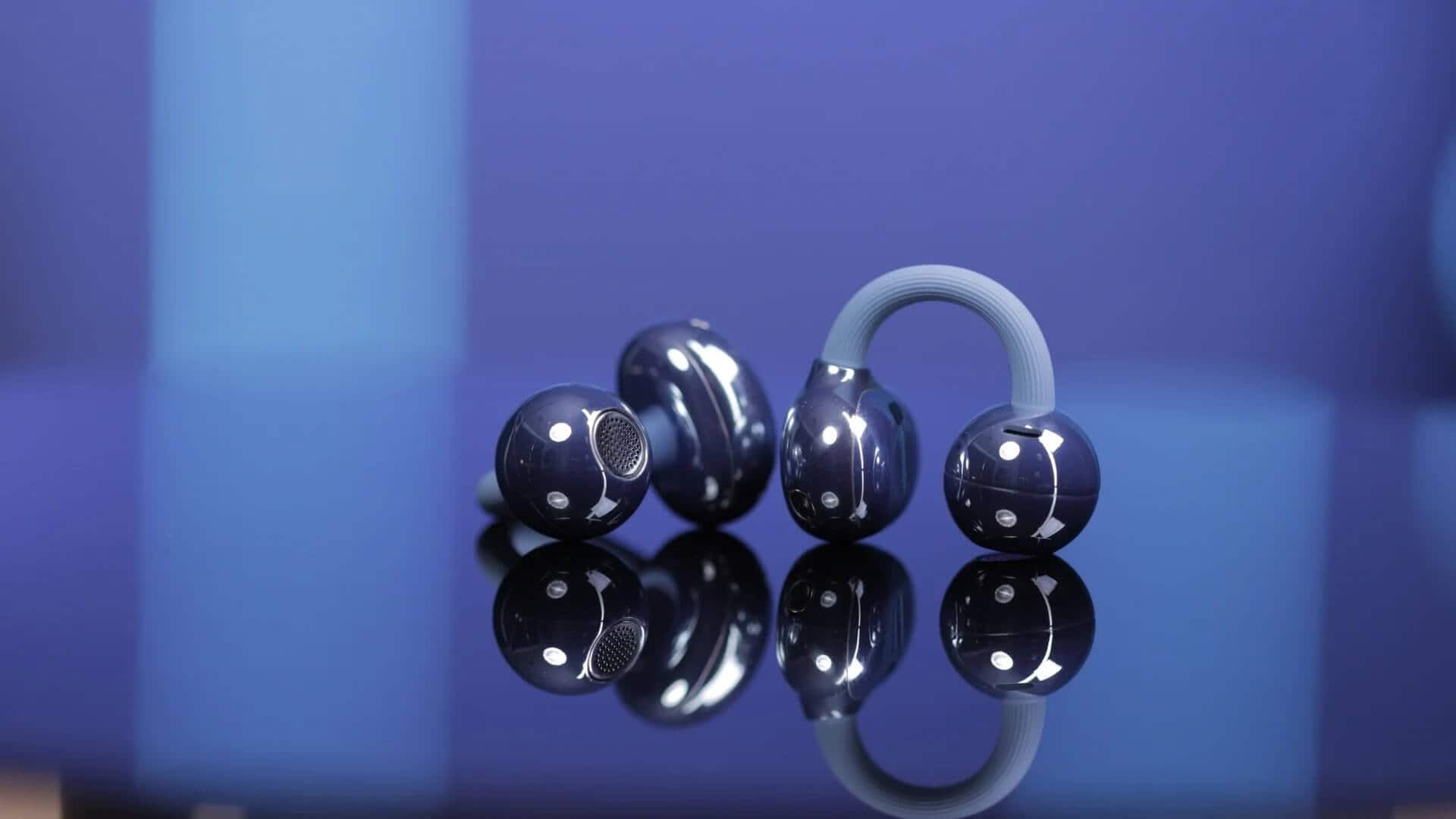
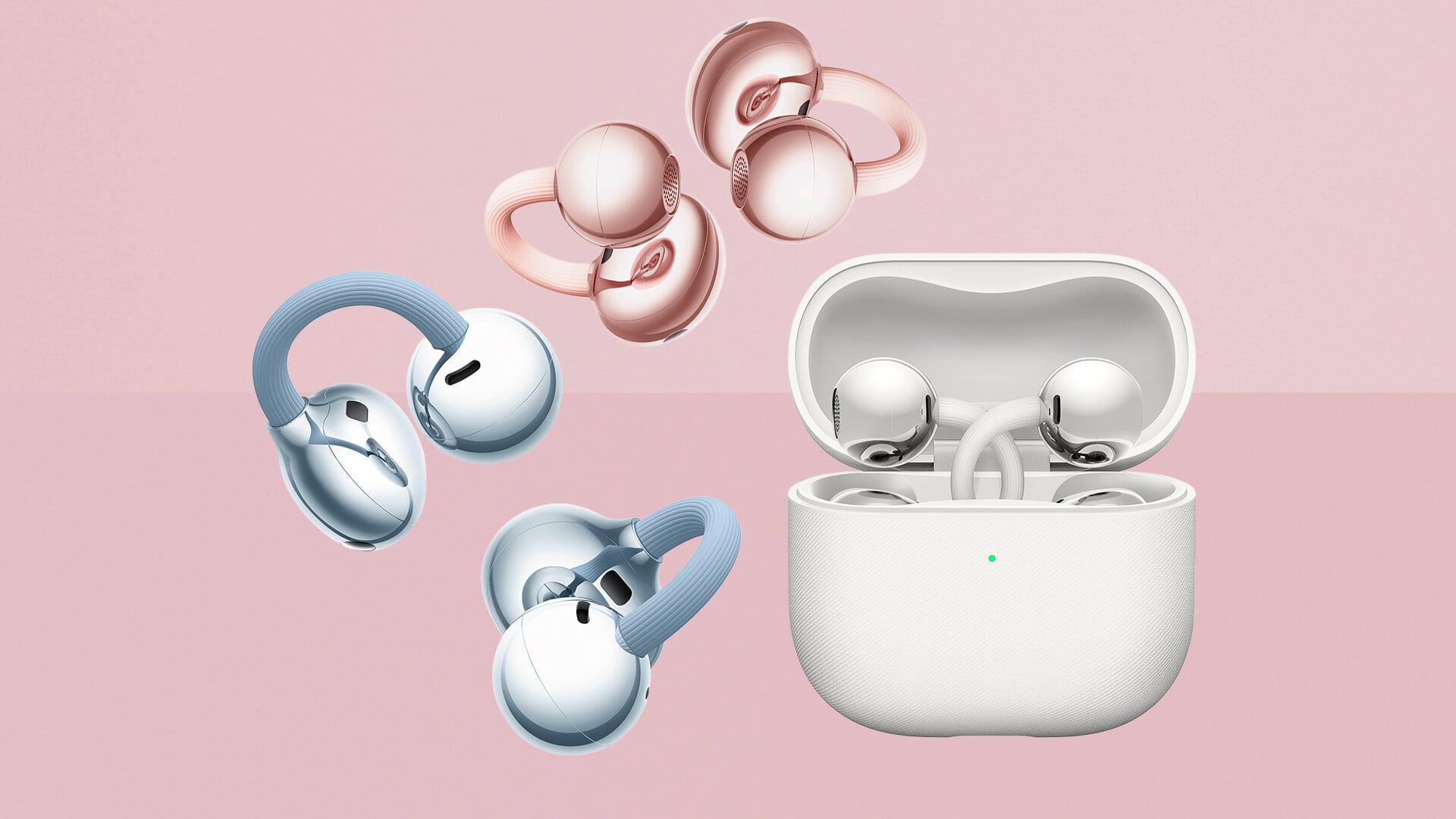
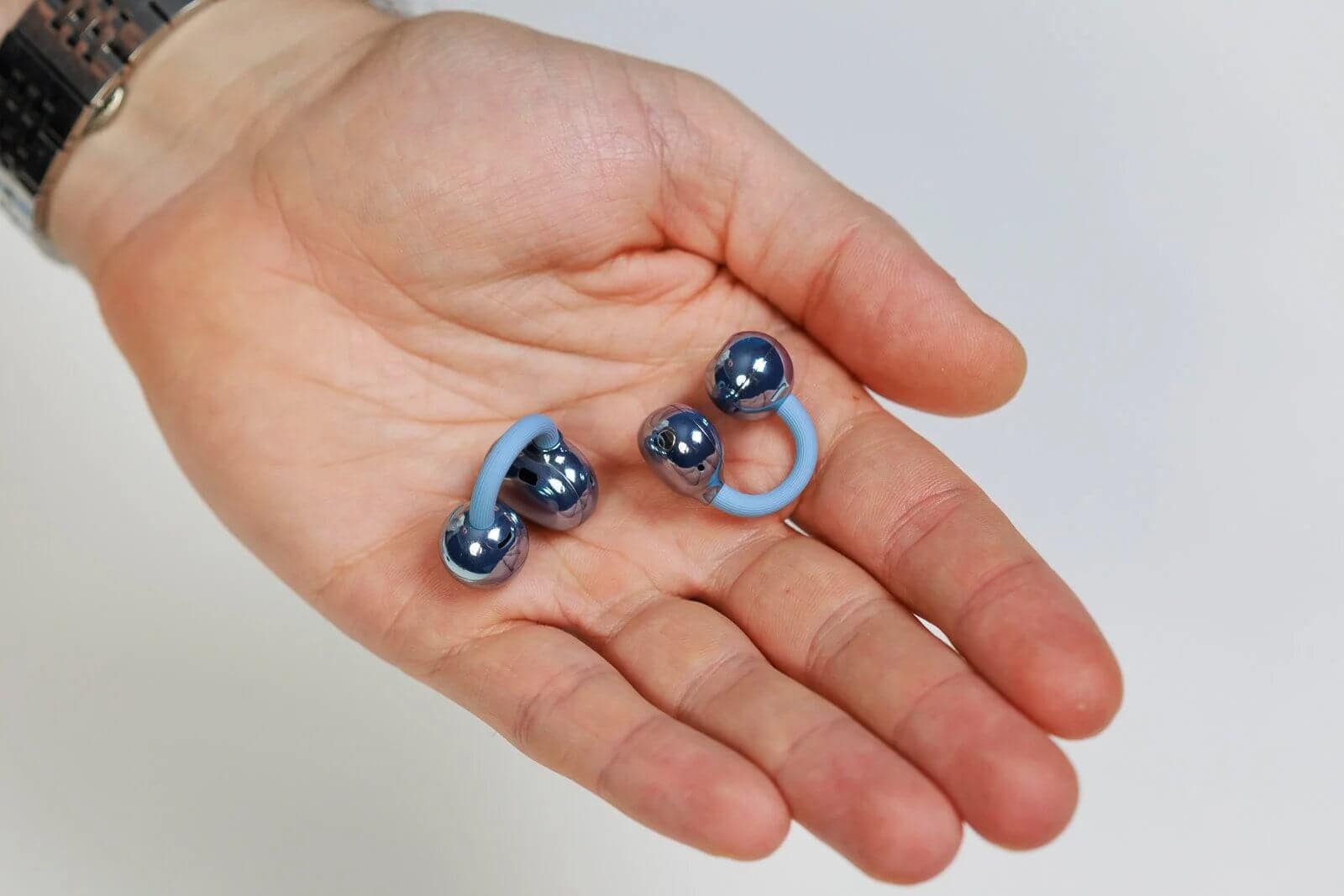
At a glance, these earbuds look like they were plucked from a sci-fi movie. Opening their case reveals two spherical buds perched on wire stems, resembling exotic flowers swaying in an alien breeze. Setting the poetic aside, the design is genuinely stunning—almost like fine jewelry. The way they attach to your ears only adds to this allure.
You get three main colors — white, black, and blue — plus a special rose gold edition for extra flair.
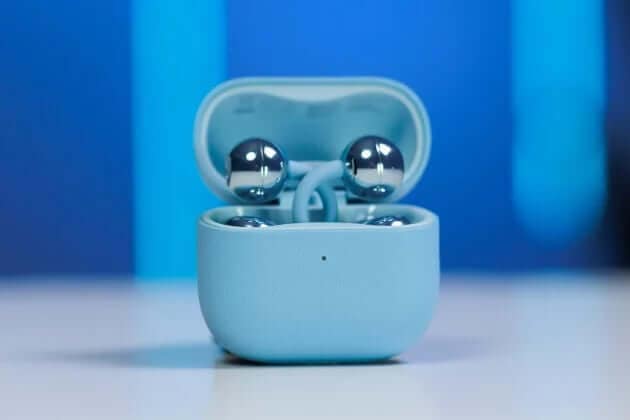
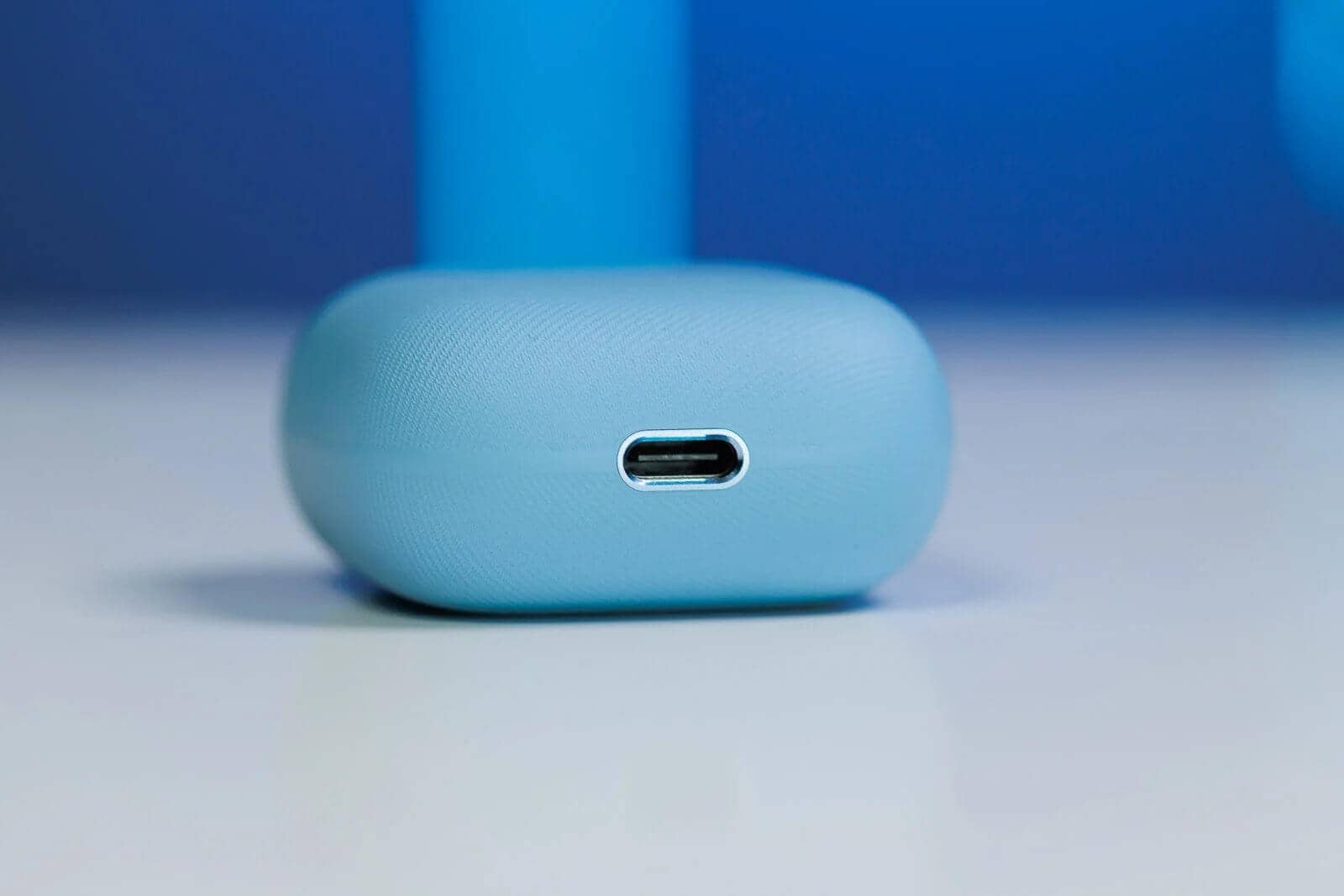
The charging case itself is a marvel: tiny, compact, and square-shaped at only 50 x 50 x 25 mm. It supports wireless charging, which is a sweet bonus. The LED battery indicator and a customizable sound when you open the lid add a premium touch.
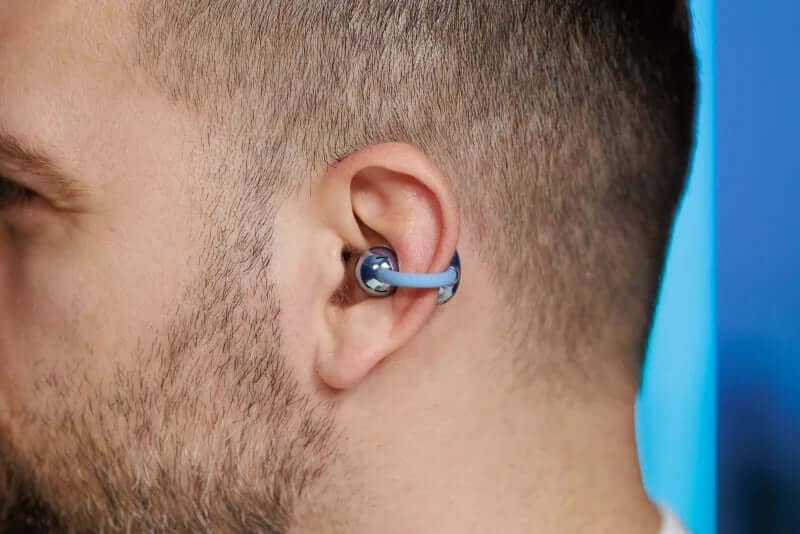
Here’s the big idea: these are open-type earbuds. Unlike traditional in-ear buds that jam a silicone tip deep into your ear canal, the FreeClip 2’s driver sits mid-ear canal, held in place by tension from a wire connecting two points—one behind the ear and one inside the canal. It’s a godsend if you have sensitive ears or hate the pressure typical earbuds create. I personally relate—most earbuds either fall out or hurt after just 15 minutes.
Each earbud weighs just 5.1 grams, and after a few minutes, you completely forget they’re there. But keep in mind, if you have larger earlobes like me, the connecting cable might feel a bit tight or short, causing the earbuds to shift slightly. It would be great if the cable length was adjustable, but that’s not the case.
Can you jog with these? Sure, though vigorous head movements might cause them to slip out. Thanks to their IP57 rating, sweat and rain won’t faze them — ideal for runners who want durability without bulk.
Controls and Features: Touch and Swipe Your Way
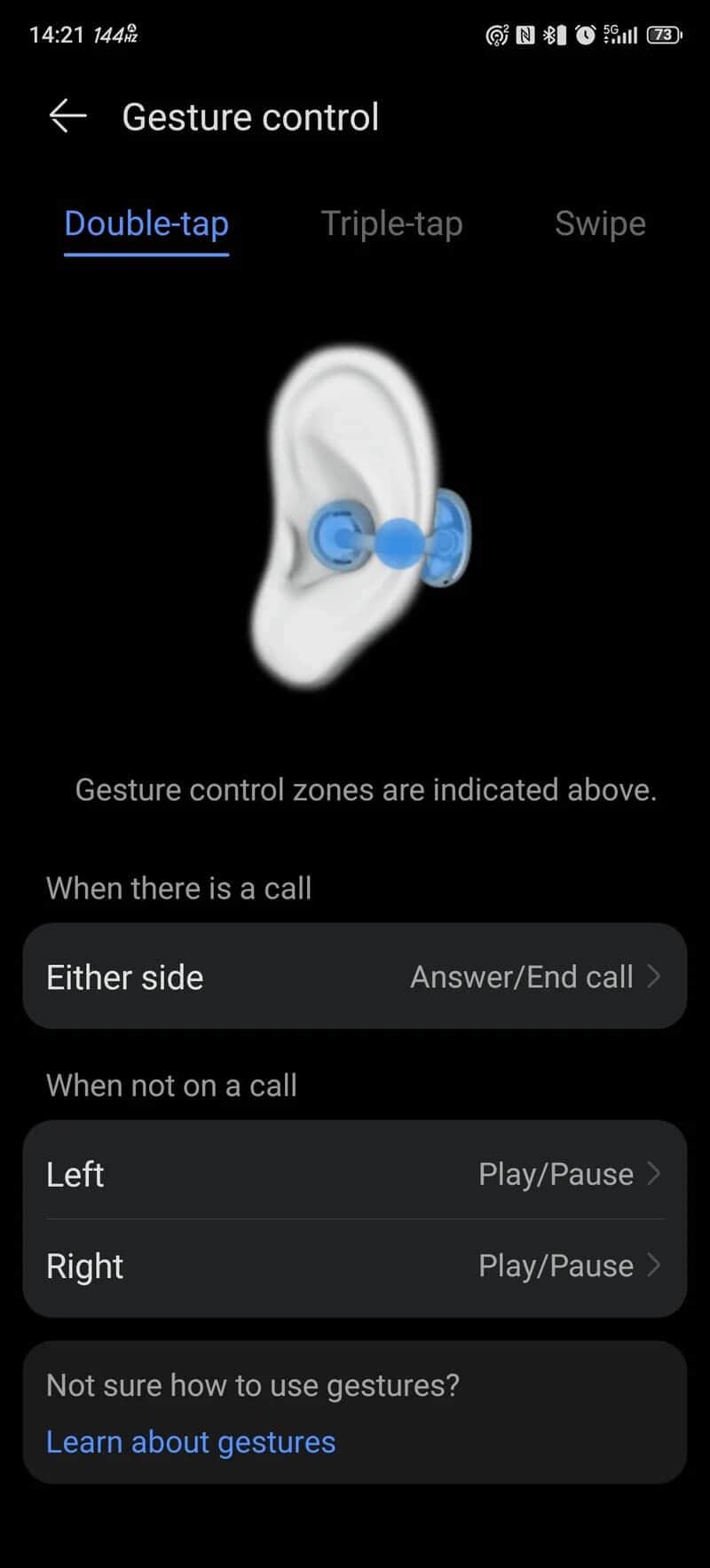
The FreeClip 2 introduces touch controls and swipe gestures, a step up from the previous generation. Instead of tapping the spherical buds or the part behind your ear, you actually touch the connecting cable. Double tap to answer or end calls, or pause and play music. Triple tap skips tracks, and swiping along the front sphere adjusts volume.
These gestures can be customized, and you can even activate your voice assistant through them.
That said, the touch controls can be a bit tricky at first. The cable is thin, and the earbuds are so light you might lose track of exactly where to tap, especially after wearing them for a while. Swipes on the front sphere feel more intuitive and natural.
Additional features include:
- Adaptive volume control that uses microphones to adjust sound based on your environment
- Gesture controls including nodding to answer calls or shaking your head to reject them (though I found this less reliable)
- Automatic switching between left and right earbuds
- Fall detection
- Spatial audio for a more immersive listening experience (works best with Huawei phones)
Automatic switching is a highlight; it’s surprisingly convenient to grab either bud without worrying which side is which.
Sound Quality: Clean but Could Be Better
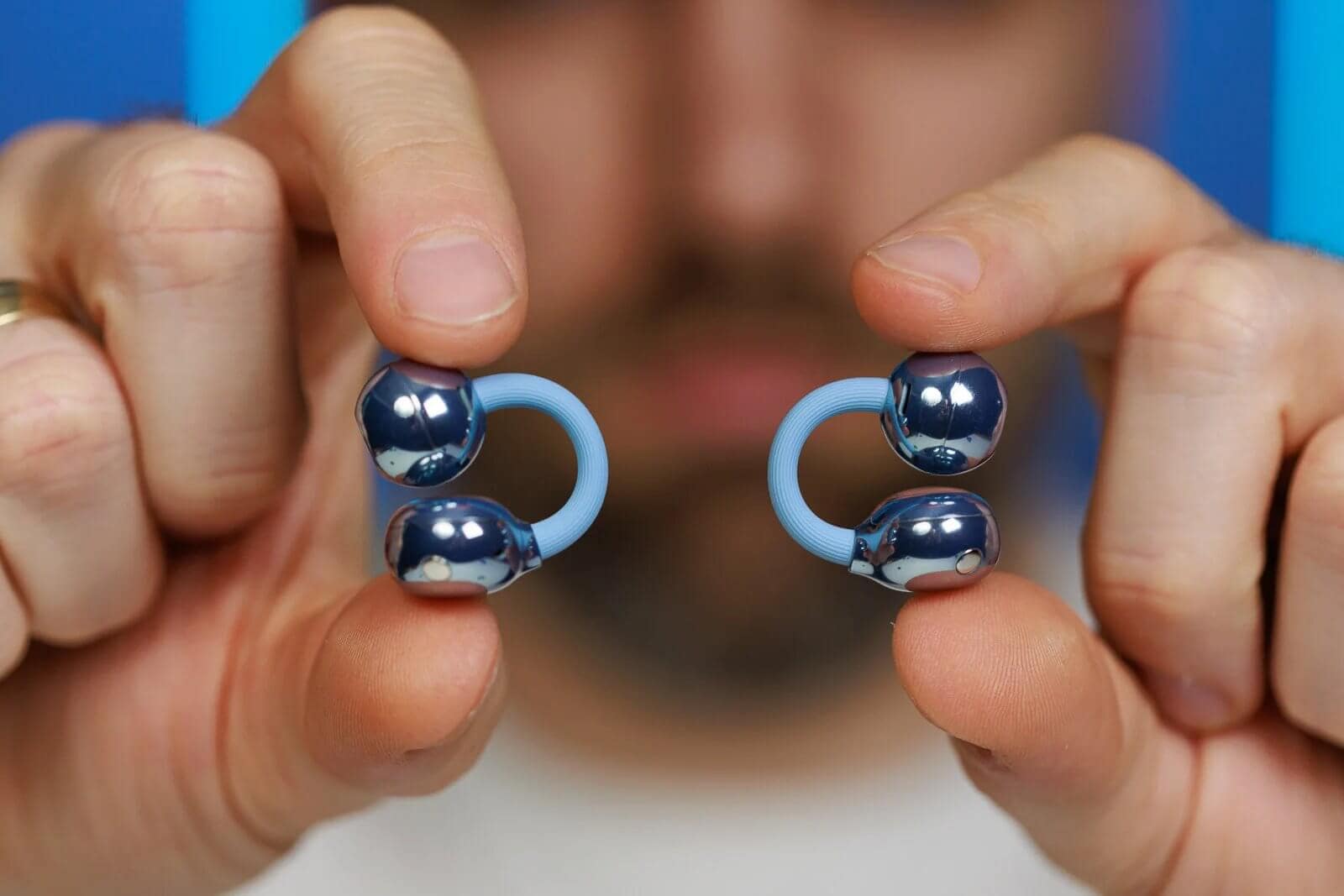
The FreeClip 2 sports dynamic dual-diaphragm 10.8 mm drivers — impressive for such tiny earbuds. However, the unique open-ear design means sound quality varies based on how well the drivers sit in your ear canal. This affects bass presence and overall fullness.
Generally, the sound is clean and detailed, but not mind-blowing. The app offers four sound presets: Default, High-frequency boost, Bass boost, and Vocal mode.
The default setting feels a bit flat. Switching to "Elevate" adds some harmonic distortion, especially in the low end. The high-frequency boost cleans things up but can sound sharp at times.
Thankfully, the 10-band equalizer lets you personalize your sound. With a bit of tweaking, you can find a sweet spot. Still, in the open-ear segment, competitors like Honor EarBuds Open and Xiaomi OpenWear Stereo Pro deliver better audio quality.
Voice call quality is solid: I could hear my friends well, and they heard me clearly. Just remember, there’s no active noise cancellation, so background noise affects call clarity.
Battery Life and Charging
Huawei claims 9 hours of playback on a single charge, with a total of up to 38 hours including the charging case. That’s impressive for such compact gear.
Each earbud packs a 60 mAh battery, while the case holds 537 mAh. Whether these use the latest silicon-carbon tech or standard lithium-ion cells isn’t specified.
In my testing, I got a stable 8 hours of continuous playback, quite respectable. Without active noise cancellation and moderate volume use, hitting the full 9-hour mark seems doable.
Charging options include wireless charging and USB-C cable. Wired charging fills the case in about an hour, while wireless takes roughly twice as long.
Final Verdict: A Unique Earbud Worth Considering
The Huawei FreeClip 2 earbuds are undeniably unique. They sport a fashionable design, long battery life, solid specs, and a user-friendly experience. If you appreciate open-ear designs, these merit a look.
However, note the limitations: fit may be imperfect for large ears, touch controls require some getting used to, and to get the best sound, you’ll want to adjust the EQ manually.
Are they worth the roughly $300 price tag? While pricier than the Xiaomi OpenWear Stereo Pro and Honor EarBuds Open — both of which deliver better sound and comfort — the FreeClip 2 stands out visually and ergonomically.
If you want earbuds that look great, feel almost weightless on your ears, and you can live with the quirks, the Huawei FreeClip 2 is a solid choice.
CHITAYTE OBZOR XIAOMI OPENWEAR STEREO PRO
FAQ
- How do Huawei FreeClip 2 earbuds stay in place?
They clip to your earlobe using tension from a wire connecting two parts—one behind the ear and one in the ear canal. - Do these earbuds support noise cancellation?
No, they don't offer active noise cancellation, which affects sound isolation. - Can I use Huawei FreeClip 2 with iPhones?
Yes, they work with both Android and iOS devices. - What’s the battery life like?
Around 9 hours on earbuds alone, up to 38 hours including the charging case. - Is the touch control easy to use?
It takes some practice since you tap the cable rather than the earbuds themselves, and swipes on the front sphere feel more intuitive.
If you’re enchanted by the stylish design of the Huawei FreeClip 2 and want to showcase your love for music and tech, why not shop your favorite album cover poster at our store? It’s a tasteful way to celebrate your musical journey. Shop now.
 | DISCOUNTGET 30% OFF*Use code on your next order:
|
* This post may contain affiliate links, meaning we earn a commission if you make a purchase through these links, at no additional cost to you.