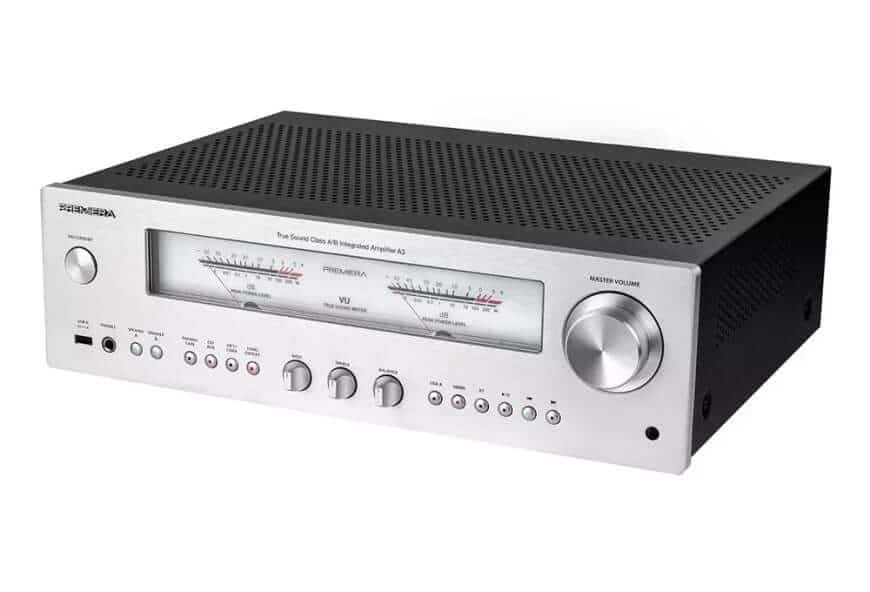
Premiera Amplifiers A3 and A3S Now Feature Full Backlight Shutdown


Premiera Amplifiers A3 and A3S Now Feature Full Backlight Shutdown
New firmware updates for Premiera A3 and A3S amps introduce complete backlight off option for enhanced listening experience.
If you're a fan of Premiera A3 integrated amplifier and Premiera A3S integrated amplifier, you're in for a treat! The brand has just rolled out fresh system firmware versions for the Premiera A3 (V1.03) and A3S (V.2.1) amplifiers. While previous versions let you dim the brightness of button backlights and analog meter indicators at four different levels, the newest update goes a step further. Now, you can switch off all the lights—entirely. No more glow when you want nothing but pure, distraction-free sound.
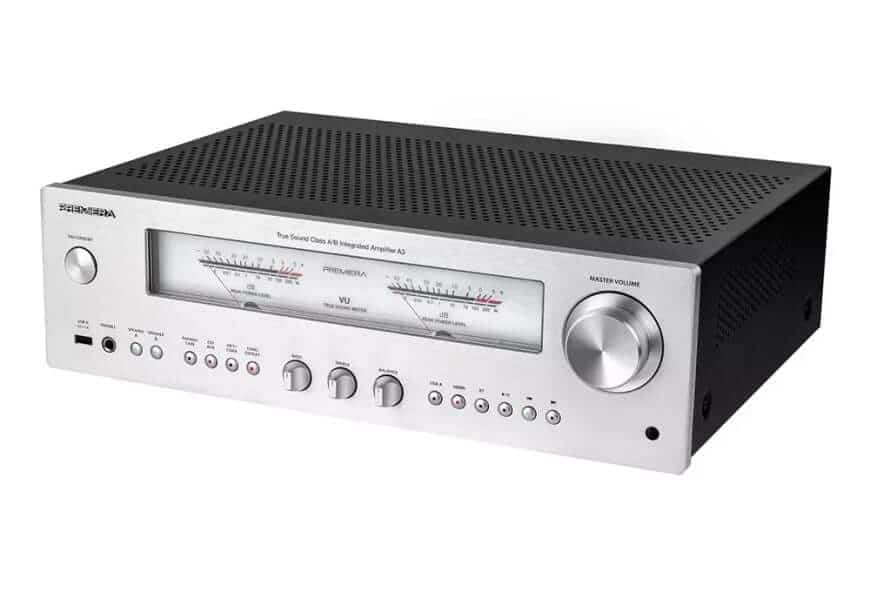
How to Update Your Premiera Amplifier Firmware
Ready to power down those lights? Updating your Premiera amplifier’s firmware might seem like a techy headache, but it’s pretty straightforward. Here’s the step-by-step:
Download the update archive to your computer.
Unzip the file to reveal either A3S.MVA or A3.MVA depending on your model.
Format a USB flash drive using a deep format to FAT32 and copy the firmware file onto it.
Insert the USB stick into the amplifier’s rear USB port. Now, for the magic button combo:
- For the Premiera A3S, press and hold USB B/STM + I<< simultaneously for about five seconds.
- For the Premiera A3, hold down HDMI + I<< instead.
The amp’s buttons will flash for a bit, then light up steadily for a second or two before the amplifier automatically goes into standby mode. Voilà—your firmware update is done!
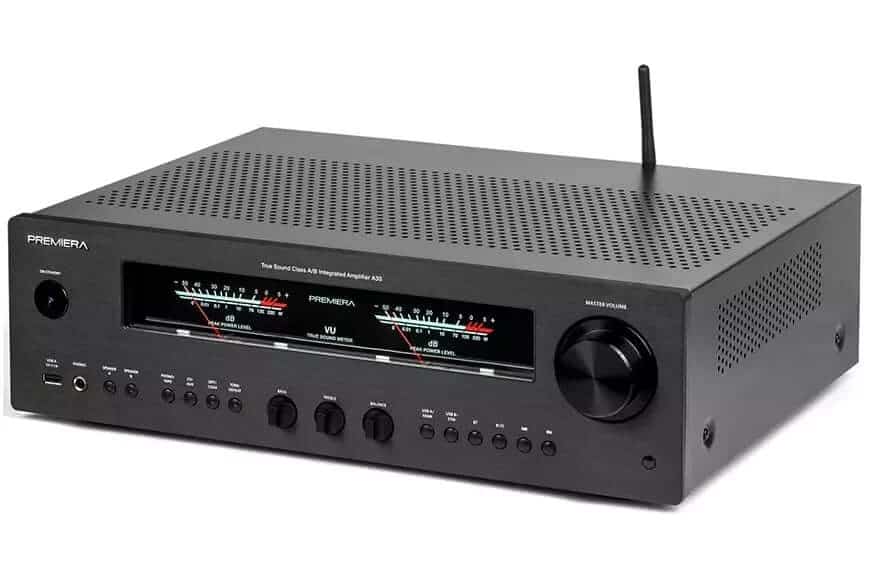
Resetting to Factory Settings
Sometimes, you just want to start fresh. Maybe the new settings aren’t your cup of tea, or a glitch popped up. No worries. Resetting your Premiera amplifier back to factory defaults is just as simple:
- For the Premiera A3S, press and hold USB A/HDMI + >>I on the front panel simultaneously for about five seconds.
- For the Premiera A3, hold USB A + >>I instead.
After you press the combo, you’ll see all the buttons blink for roughly five seconds. Then they’ll light up steadily for a moment before the amp returns to standby mode. Now, you can power it up again with all settings reset.
Getting the Firmware Update
If you’re itching to get this firmware and experience the full backlight shutdown, it’s not an automatic push update. You’ll need to request it directly through Premiera’s technical support. Just drop them a line, and they’ll send you the update package.
“All buttons will flash for a bit, then light up steadily for a second or two before the amplifier automatically goes into standby mode. This means the update was successful.”
– Premiera firmware instructions
This update is a thoughtful touch for anyone who loves those crisp, clean listening sessions without any glowing distractions. I remember late-night listening marathons where every little LED felt like a spotlight stealing attention—I’m thrilled to see Premiera addressing that with a simple firmware fix.
FAQ
- How do I know which firmware file to use for my amplifier?
The update includes either A3S.MVA for the A3S model or A3.MVA for the A3 model. Make sure to unzip and select the correct one matching your device. - What if the update process fails or the amplifier doesn't enter standby mode?
Try reformatting your USB stick with FAT32 and ensure the file is correctly copied. Follow the button presses precisely and keep holding for the full five seconds. - Can I revert back if I don’t like the new backlight off feature?
Yes! Resetting to factory settings via the button combo restores the original firmware state and button lighting options. - Will this update affect the sound quality of my amplifier?
No, the update only modifies the user interface lighting behavior, leaving the audio performance untouched. - Is this firmware update free?
Yes, Premiera provides the firmware update upon request through their technical support at no charge.
If you're passionate about your Premiera amplifier and want to celebrate your sonic sanctuary with a stylish touch, consider shopping for your favorite album cover poster at our store. It’s a perfect way to match your music’s vibe with your listening space!
 | DISCOUNTGET 30% OFF*Use code on your next order:
|
* This post may contain affiliate links, meaning we earn a commission if you make a purchase through these links, at no additional cost to you.